On air · 2 of 3 networks
Copper
- copper.com
- Software (horizontal)
- US
- 314 employees
Copper’s ads on LinkedIn, Meta and Google, recorded by adsrunning. Browse the latest here for free. Sign up free to see all 363. Watch Copper with Starter to get each new one in your feed.
Watchlist with Starter · $49/mo
| Network | Status | Live ads | Nov 2025LinkedIn activity · 52 weeksOct 2026 | Checked | Next step |
|---|---|---|---|---|---|
| Running | 312 | Checked 30 Oct 2026 | See all 363 ads → | ||
| Meta | None recorded | 0 | No active ads recorded on the Meta Ad Library | Checked 19 Oct 2026 | Collect them with the API → |
| Running | 94 | Ads on the Google Ads Transparency Center | Checked 26 Oct 2026 | Collect them with the API → |
Copper has 312 live LinkedIn ads. Its Facebook page had no active ads on 19 Oct 2026, and we recorded 94 Google ads on 26 Oct 2026.
Latest ads
- LINKEDIN · IMAGESince 22 Oct 2026
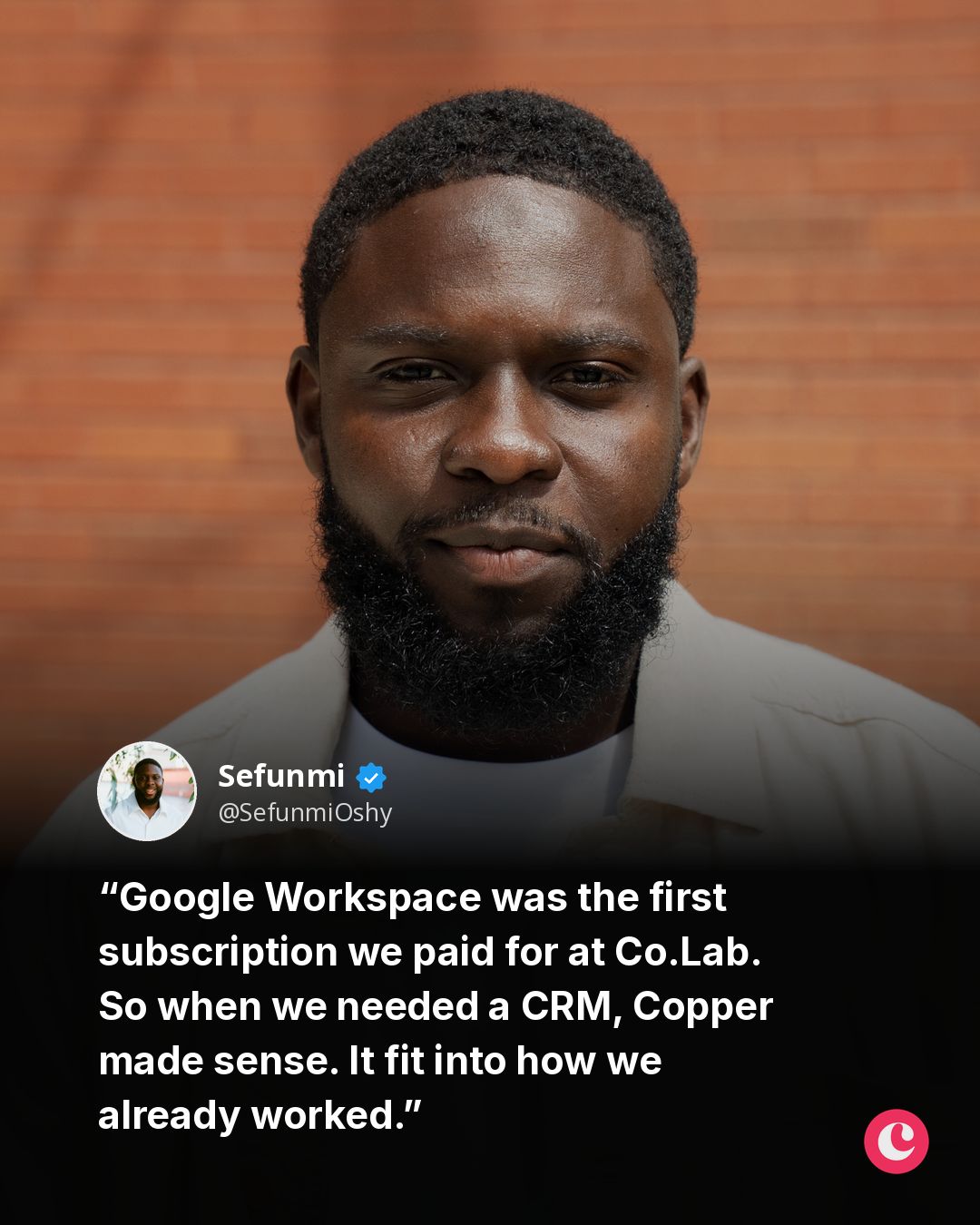
The best software doesn't force you to change how you work. It fits into how you already work. I learned that firsthand while helping build Copper as a Product Manager. Google Workspace was the first subscription we paid for at Co.Lab. Most business activity happened in Gmail, Docs, and Calendar. So when we eventually needed a CRM, using one built specifically for Google Workspace made sense. Copper works directly with the tools you already use every day, so you can manage relationships without constantly jumping between your CRM, Gmail and everything else. I didn't realize how much I'd appreciate that until I became a customer myself. Context switching adds up more than people think. Something happens with a lead → you see it in Gmail → you respond → you're right back to what you were doing. No new tabs and no new habits for the team to learn. It's one of the things I've come to believe since: Great software shouldn't create another workflow. It should make the one you already have better. #CopperPartner #CopperCRM
- LINKEDIN · IMAGESince 22 Oct 2026
When people want to start a business I tell them, “Don’t do what I do.” Don't manage two relationships at once At Co.Lab we run the relationships of the students coming in and the mentors making it possible It gets complicated quickly And it’s not something you can run on goodwill and memory. It came to a point in the business when we realised this We needed to know who was active, who was on the bench, who had been trained on our latest curriculum, and who was ready for the next cohort. All at once. Relationship management wasn't just logistics, it was making people feel valued between the asks. Virtual dinners. Gift cards. Campaigns spotlighting our most active mentors. Making sure the first message they got from us wasn't "are you available next month?" All of that lived in Copper. Every mentor's history in one place - how many cohorts they'd supported, when they were last contacted, whether they needed a break or were ready to go again. When enrolment spiked and we needed mentors fast, we weren't scrambling. We knew exactly who to call and what to say. I started the process and handed it to another team member who ran it brilliantly. But the system meant anyone could pick it up without starting from scratch. Most people only reach out to their network when they need something. The right system makes it easy to show up before you need to. How do you manage your business relationships so no one gets left out? #CopperPartner #CopperCRM Copper
- LINKEDIN · IMAGESince 17 Sept 2026
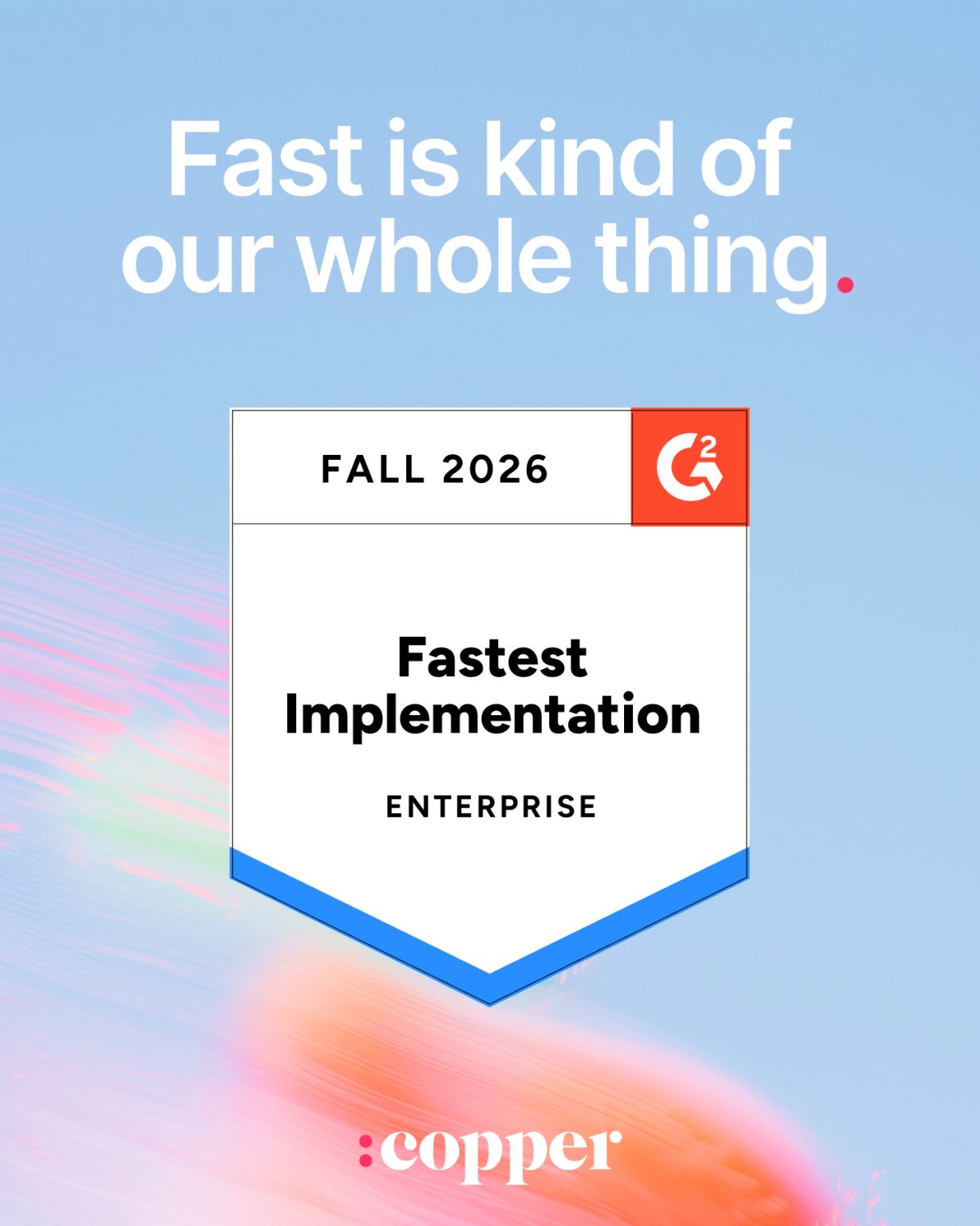
Other CRMs: book a demo, wait for onboarding, wait some more. Us: sign up, get to work. You said it on G2, not us. 💥 Try it out for yourself: https://lnkd.in/gjHssvk5
- LINKEDIN · IMAGESince 17 Sept 2026
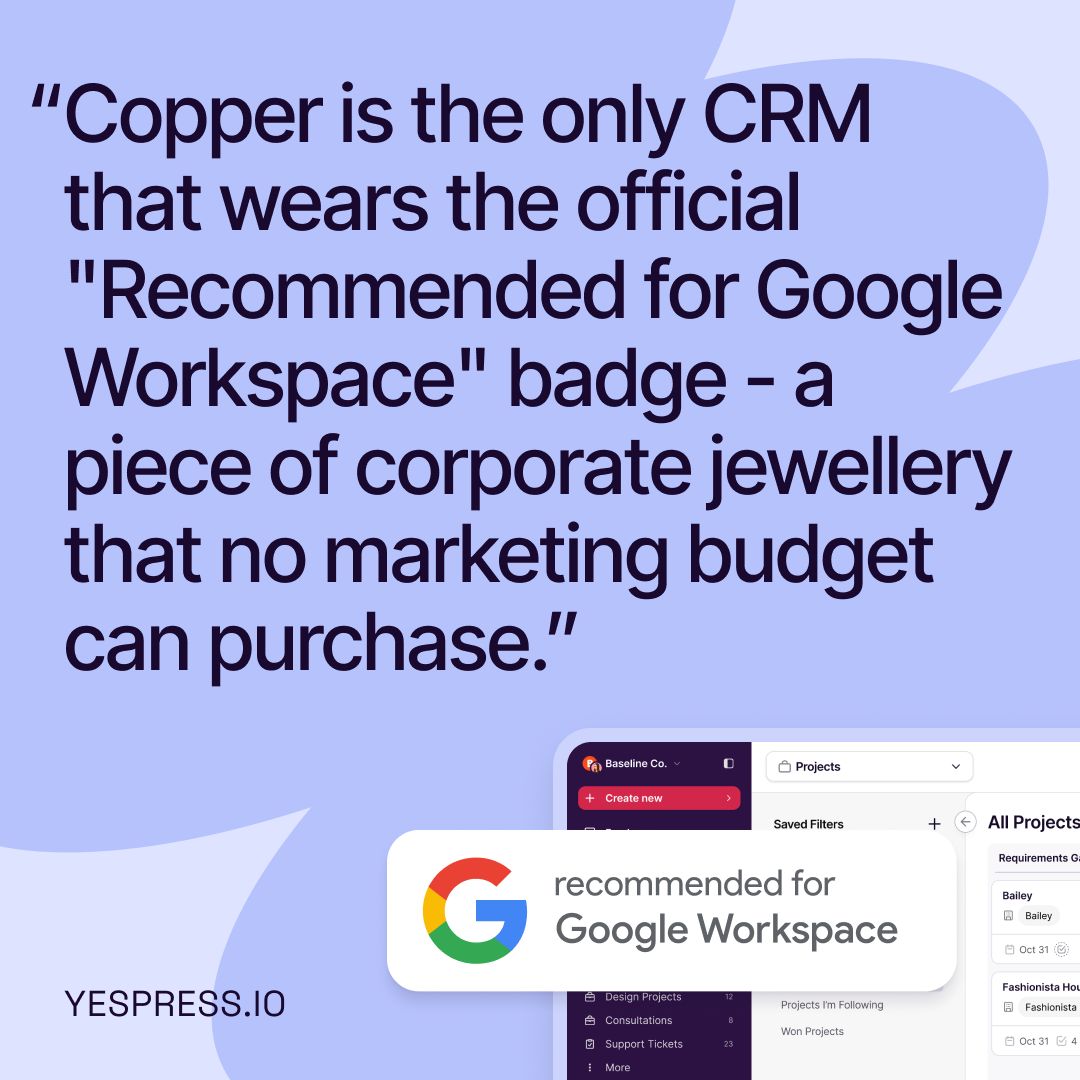
Turns out the best kind of credibility isn't for sale. Just ask Google. 🏆 We earned our "Recommended for Google Workspace" badge the old-fashioned way: by building a CRM that actually fits into your day instead of adding another tab to it.
- LINKEDIN · IMAGESince 21 Aug 2026
Is it weird that I want to sing from the rooftops about how much I love my CRM?? I have been testing CRMs for about 3 years and have pretty much hated all of them. (To be fair, I am VERY quick to decide if I like it or not...which is probably not the best quality). I've also rarely met an organization that likes their CRM - most of us love to hate them! But I recently decided to give Copper another try, and I'm obsessed with it!! It meets my main requirements: - Very easy - Pretty - Integrates with Google (automatically pulls my interactions, allows me to add people and opportunities from within my inbox, etc) Dare I say it's even fun! OK, time to stop geeking out now. But it's just such a relief to have a home for everything that has lived in a Google doc, email, and my brain for years. Curious to hear from others what your fave CRM is?!
- LINKEDIN · VIDEOSince 21 Aug 2026
Manual CRM updates? Yeah... those usually get added to tomorrow’s to-do list. Then tomorrow’s tomorrow. Then... well... you get the idea 😅 That’s why Copper and timmy work so well together. With this powerful CRM and Production OS integration, you can keep your projects and customer data connected behind the scenes, so your team can spend less time playing catch-up and more time getting work out the door. Name a better production duo... we’re waiting 😉 #CRM #Production #ProductivityTips #TechStack
6 of 363 adsSign up to see every Copper ad, filter by format and date, and get alerts on new ones.
See all 363 adsWatch the companies you care about.
Filter every ad by industry, country, format and network, and get alerts when a company you watch starts running new ads.