On air · 2 of 3 networks
Copernic
- copernic.com
- Software (horizontal)
- CA
- 24 employees
Copernic’s ads on LinkedIn, Meta and Google, recorded by adsrunning. Browse the latest here for free. Sign up free to see all 20. Watch Copernic with Starter to get each new one in your feed.
Watchlist with Starter · $49/mo
| Network | Status | Live ads | Nov 2025LinkedIn activity · 52 weeksOct 2026 | Checked | Next step |
|---|---|---|---|---|---|
| Running | 15 | Checked 30 Oct 2026 | See all 20 ads → | ||
| Meta | None recorded | 0 | No active ads recorded on the Meta Ad Library | Checked 19 Oct 2026 | Collect them with the API → |
| Running | 200+ | Ads on the Google Ads Transparency Center | Checked 26 Oct 2026 | Collect them with the API → |
Copernic has 15 live LinkedIn ads. Its Facebook page had no active ads on 19 Oct 2026, and we recorded 200+ Google ads on 26 Oct 2026.
Latest ads
- LINKEDIN · VIDEOSince 4 Sept 2026
Every industry has unique document challenges. We built solutions for yours. 🏢 ⚖️ **Legal** — Find case files and correspondence instantly. E-discovery in hours, not days. 🏥 **Healthcare** — HIPAA-compliant document management with instant retrieval. 🏠 **Real Estate** — Transaction documents, listings, and contracts found in seconds. 🖥️ **IT & Consulting** — Enterprise search for complex, distributed information environments. Whatever your industry, if document chaos is costing you time and money, we can help. Explore industry solutions → https://copernic.com/en
- LINKEDIN · VIDEOSince 4 Sept 2026
Let's talk money 💰 File search isn't just a convenience problem — it's a financial one. Here's the math: 👤 20-minute daily search time per employee (research-backed average) 👥 Team of 20 people 💵 Average $50/hr fully-loaded cost = $86,000 per year. Just on finding files. Copernic Desktop Search costs a fraction of that — and typically recovers 70-85% of that search time. The business case writes itself. https://lnkd.in/g-td_qCu
- LINKEDIN · VIDEOSince 15 Jul 2026
Hunt down your files. Start your 30-day free trial today. Take a test drive of Copernic search tools and see how quickly you can find emails, files, and documents. No credit card required. All features unlocked.
- LINKEDIN · IMAGERecorded 21 Oct 2026
IT Infrastructure: Managing Enterprise Search at Scale Enterprise IT environments generate some of the most information-intensive document ecosystems: runbooks, configuration documentation, incident records, vendor contracts, security policies, deployment scripts spread across servers, shared drives, and individual machines. During an incident, finding the right runbook or config file in under 60 seconds can mean the difference between a brief outage and an extended one. Here's what Copernic Business Server Search provides for enterprise IT: - Centralized deployment and administration IT controls indexing policies, user access, and configuration from a central point. - Windows access rights integration Search results automatically respect existing Windows permissions. Only authorized users see authorized files. - 170+ file types Configuration files, technical documentation, Office documents, PDFs, Visio diagrams, all indexed and searchable. Learn more: https://lnkd.in/gM8kHsCY #ITManagement #EnterpriseSearch #SysAdmin #ITOps #InfrastructureManagement"
- LINKEDIN · IMAGERecorded 21 Oct 2026
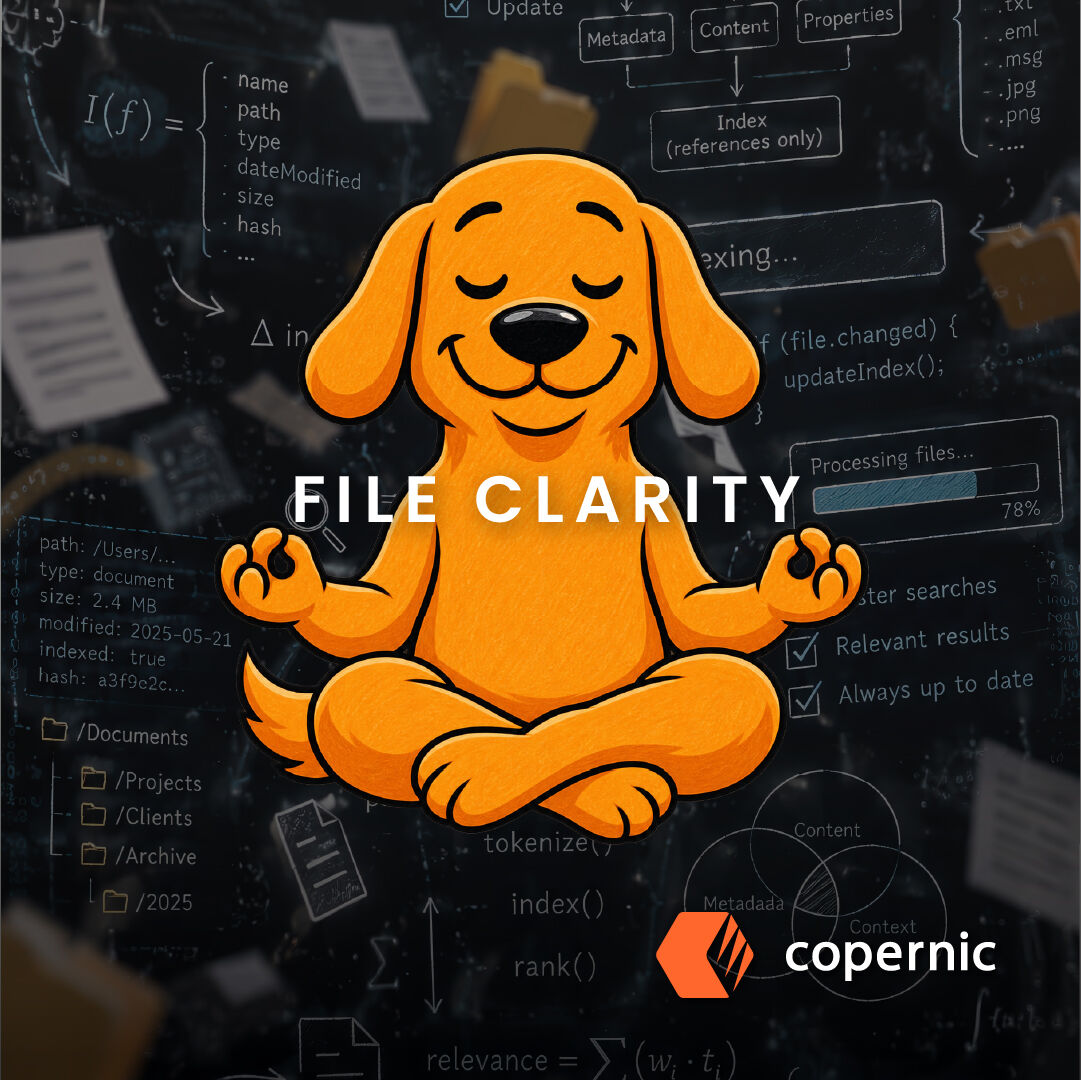
Indexing Optimization: Getting the Most Out of Copernic Desktop & Cloud Search Understanding how Copernic's indexing works helps you configure it for maximum performance. How the index works An index stores references that link to the items you've indexed. The real files are not in the index itself. Copernic scans your chosen items to detect additions, deletions, or modifications, then updates the reference index accordingly. Full explanation: https://lnkd.in/gFZHTczn Common issue: indexing timeouts One of the most common configuration problems is schedulers are not customized to your reality. If the schedule is too tight, the index may not complete because the next cycle starts before the previous one finishes. Resolution guide: https://lnkd.in/gqJ-gzz6 Optimization tips: - Schedule initial indexing during off-hours for large file stores - Use the Exclude Files feature to remove unnecessary files from the index (temp files, system files, etc.) - Index only what you actively need Guide to excluding files: https://lnkd.in/gwYmYRPD https://lnkd.in/gz3dbF7p #DesktopSearch #IT #Indexing #EnterpriseSearch #Optimization
- LINKEDIN · IMAGERecorded 21 Oct 2026
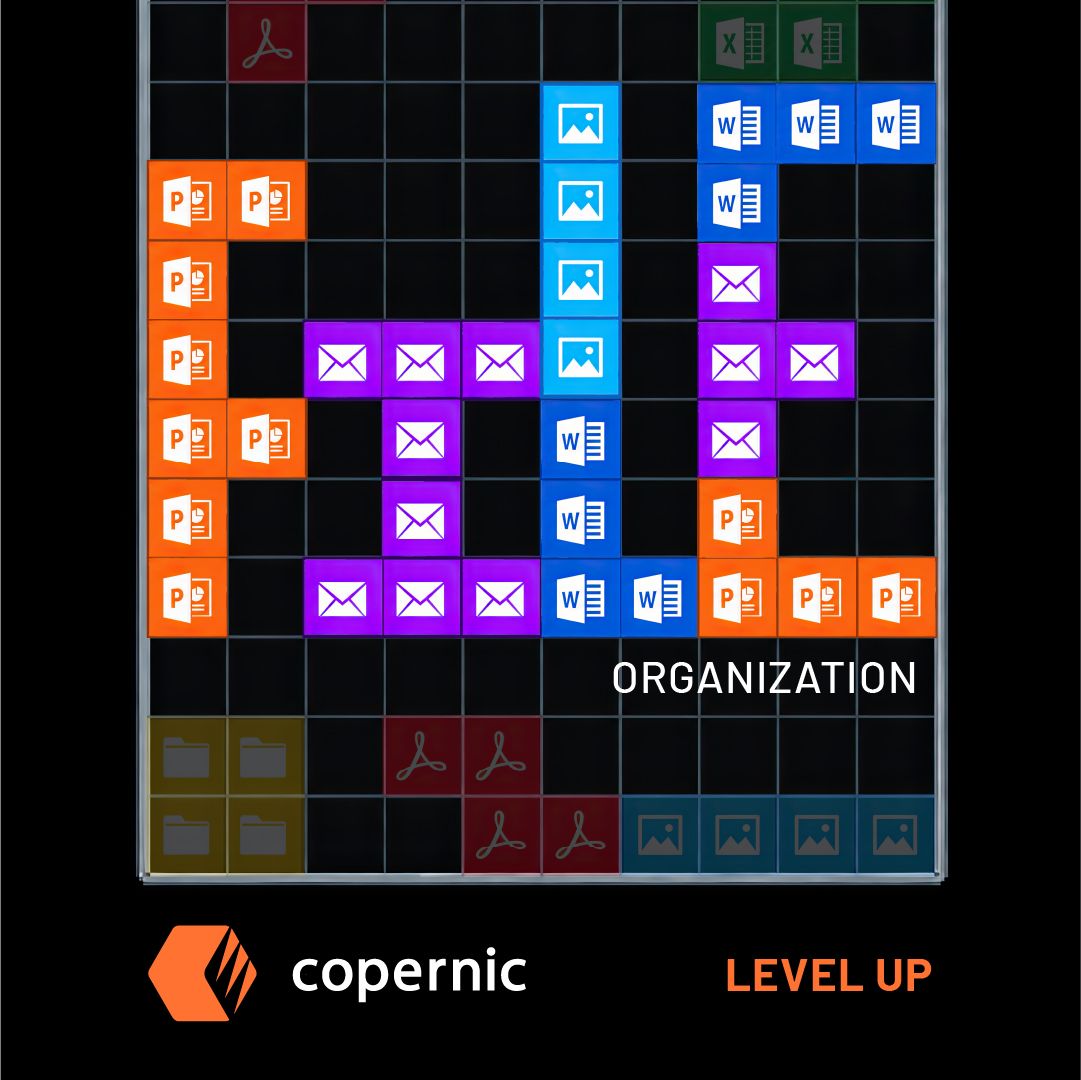
Q4 Cloud Organization: Setting Up for Year-End Success As Q4 begins, most teams are adding files faster than they're organizing them. By December, that accumulation becomes a serious retrieval problem during year-end reviews, audits, and client deliverables. The time to address this is now — at the beginning of Q4, not the end. Copernic's guide on organizing files for maximum productivity provides the structural framework: https://lnkd.in/gZqSaaFT The practical reality: even the best organizational system has exceptions under pressure. This is where unified search becomes essential. Copernic Desktop & Cloud Search provides the safety net: indexing OneDrive, Dropbox, Google Drive, SharePoint, local drives, and email simultaneously. For teams: Copernic Business Server Search for centralized deployment through Q4. → copernic.com/en/desktop/ #Q4 #CloudOrganization #YearEnd #EnterpriseSearch #Leadership

6 of 20 adsSign up to see every Copernic ad, filter by format and date, and get alerts on new ones.
See all 20 adsWatch the companies you care about.
Filter every ad by industry, country, format and network, and get alerts when a company you watch starts running new ads.