On air · 1 of 3 networks
SupportNinja
- supportninja.com
- US
- 2,151 employees
SupportNinja’s ads on LinkedIn, Meta and Google, recorded by adsrunning. Browse the latest here for free. Sign up free to see all 185. Watch SupportNinja with Starter to get each new one in your feed.
Watchlist with Starter · $49/mo
| Network | Status | Live ads | Nov 2025LinkedIn activity · 52 weeksOct 2026 | Checked | Next step |
|---|---|---|---|---|---|
| Running | 157 | Checked 29 Oct 2026 | See all 185 ads → | ||
| Meta | None recorded | 0 | No active ads recorded on the Meta Ad Library | Checked 26 Oct 2026 | Collect them with the API → |
| Recently | 100+ | Ads on the Google Ads Transparency Center | Checked 11 Oct 2026 | Collect them with the API → |
SupportNinja has 157 live LinkedIn ads. Its Facebook page had no active ads on 26 Oct 2026, and we recorded 100+ Google ads on 11 Oct 2026.
Latest ads
- LINKEDIN · FOLLOWSince 3 Sept 2026
Gain Strategic Advising and Hands-on Execution
- LINKEDIN · FOLLOWSince 3 Sept 2026
Stay informed on industry news and trends
- LINKEDIN · IMAGESince 2 May 2026
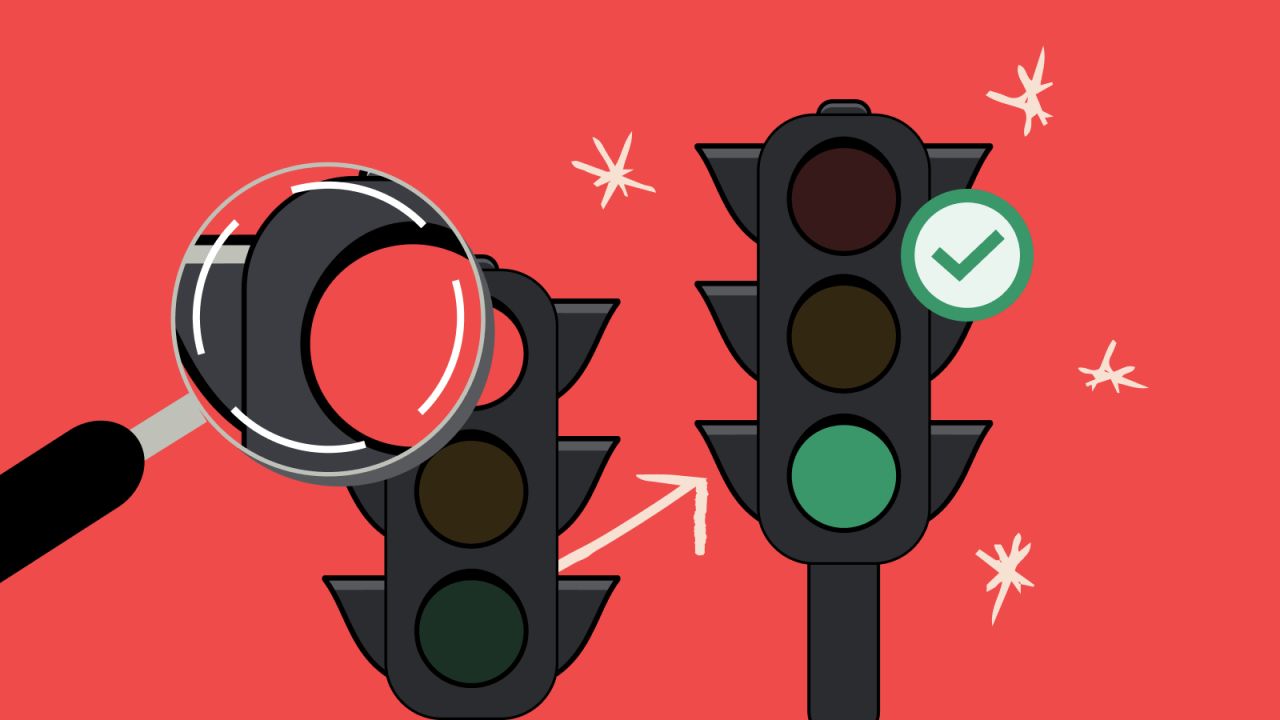
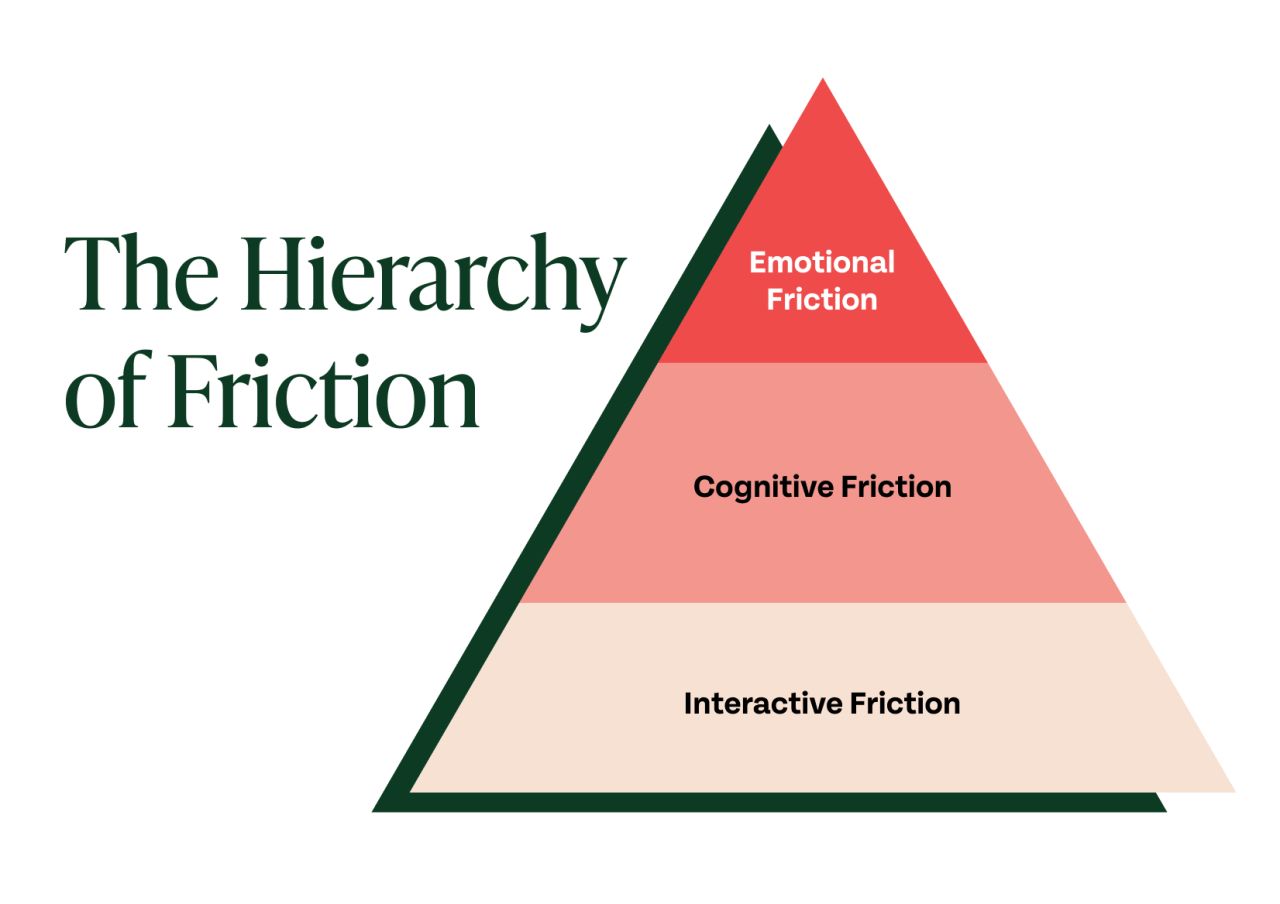
Not all friction is the same, and understanding its nuances is key. - Emotional Friction - Cognitive Friction - Interaction Friction These types of friction rarely exist in isolation and often compound one another. For example, slow load times (interaction friction) paired with a confusing interface (cognitive friction) will quickly erode user patience. If they then reach out to customer support and don’t receive a response, the experience quickly builds emotional friction. When friction compounds like this, it accelerates drop-off rates and damages brand perception. It also reveals where your CX systems are misaligned, even if your metrics suggest everything is working. To reduce friction effectively, you need to look at it across the full customer journey, not just at isolated touchpoints.
- LINKEDIN · IMAGESince 2 May 2026
Without a clear plan, AI adoption can lead to frustrated customers and churn. So, how do you make sure your clients get off on the right foot? 5 Steps to AI-Ready CX 1.) Create a Clear AI Strategy Jumping into AI without a plan leads to inefficiency and wasted investment. Anchor your strategy in anticipated business outcomes as opposed to AI tool features. And start with proven use cases that offer quick wins to build momentum and boost internal buy-in. 2.) Balance AI and Human Interaction The most effective CX strategies combine automation with human expertise. AI excels at repetitive or rules-based tasks, while human agents add value in moments that require empathy, nuance, or creative problem-solving. 3.) Plan for Continuous Optimization Keeping AI aligned with strategy means building for change from the start. Build in regular performance reviews, gather feedback from agents and customers, and define how you’ll track and act on areas for improvement. Your GSI partners win the contract. We make sure the outcome holds. That gap is where deployments stall, and where SupportNinja comes in.
- LINKEDIN · IMAGESince 2 May 2026
To build an outsourcing partnership that drives real value, you need to evaluate vendors based on how well they align with your goals. Many companies approach vendor selection with a laser-focus on cost. But chasing the lowest price often leads to trade-offs that hurt long-term outcomes: declining service quality, rigid contracts, hidden fees, and vendors that can’t keep up as your needs evolve. Most vendors fall into one of four categories based on two factors: flexibility and tech enablement. Knowing where a vendor fits can help you make a smarter decision. ☛ 1) Flexible, Tech-Enabled Vendors Pros • Rapid access to new technology • More likely to work with smaller teams or specialized use cases • Flexible contracts with minimal red tape Cons • Typically fall into the mid-to-premium pricing tier • May offer more advanced tech than some companies require ☛ 2) Flexible, Tech-Enabled Vendors Pros • Clear, standardized offerings • Access to AI and automation tools for your CX team • Entry-level pricing options (in some cases) Cons • Restrictive contracts with frequent change order fees • Limited room for innovation, flexibility or process improvement ☛ 3) Flexible, Tech-Enabled Vendors Pros • Customizable contracts and service models • Personalized support and strong client rapport Cons • Lack of tech maturity can limit growth and optimization • May require more oversight from your internal team ☛ 4) Restrictive, Low-Tech Vendors Pros • Typically appear to have lower up-front costs • May be suitable for short-term, non-strategic needs Cons • Restrictive contracts with frequent change order fees • Minimal tech integration and limited automation • Higher agent turnover, leading to more retraining and performance variability
- LINKEDIN · IMAGESince 2 May 2026
Not all CX friction is the same, and understanding its nuances is key. - Emotional Friction - Cognitive Friction - Interaction Friction These types of friction rarely exist in isolation and often compound one another. For example, slow load times (interaction friction) paired with a confusing interface (cognitive friction) will quickly erode user patience. If they then reach out to customer support and don’t receive a response, the experience quickly builds emotional friction. When friction compounds like this, it accelerates drop-off rates and damages brand perception. It also reveals where your CX systems are misaligned, even if your metrics suggest everything is working. To reduce friction effectively, you need to look at it across the full customer journey, not just at isolated touchpoints.



6 of 185 adsSign up to see every SupportNinja ad, filter by format and date, and get alerts on new ones.
See all 185 adsWatch the companies you care about.
Filter every ad by industry, country, format and network, and get alerts when a company you watch starts running new ads.