On air · 2 of 3 networks
Stiltsoft
- stiltsoft.com
- EE
- 39 employees
Stiltsoft’s ads on LinkedIn, Meta and Google, recorded by adsrunning. Browse the latest here for free. Sign up free to see all 38. Watch Stiltsoft with Starter to get each new one in your feed.
Watchlist with Starter · $49/mo
| Network | Status | Live ads | Nov 2025LinkedIn activity · 52 weeksNov 2026 | Checked | Next step |
|---|---|---|---|---|---|
| Running | 5 | Checked 29 Oct 2026 | See all 38 ads → | ||
| Meta | Running | 7 | Active ads on the Meta Ad Library, all countries | Checked 26 Oct 2026 | Collect them with the API → |
| Recently | 31 | Ads on the Google Ads Transparency Center | Checked 10 Oct 2026 | Collect them with the API → |
Stiltsoft has 5 live LinkedIn ads. Its Facebook page had 7 active ads on 26 Oct 2026, and we recorded 31 Google ads on 10 Oct 2026.
Latest ads
- LINKEDIN · IMAGESince 28 Oct 2026
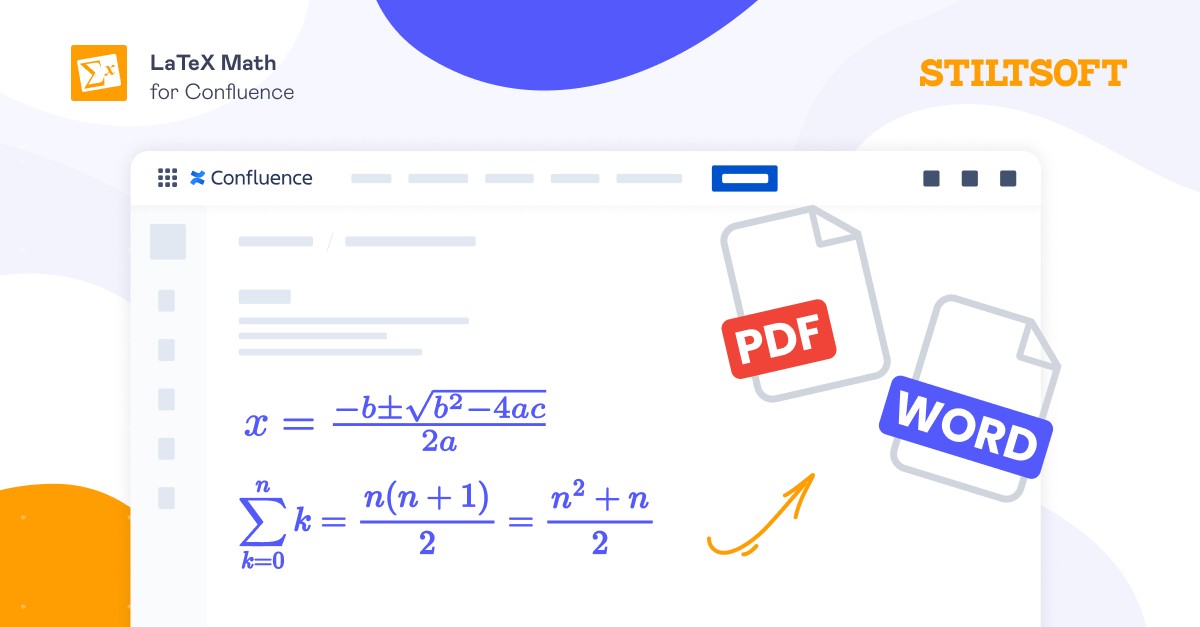
There’s no native way to render a math equation on a Confluence page, so teams fall back on one of a few workarounds: 🔸 Paste a screenshot: + Fast and easy − You can’t edit the formula later, and it looks rough in dark mode or a PDF 🔸 Link out to an external doc: + Nothing new to install − The math lives off the page everyone reads 🔸 Add an app that renders LaTeX (or AsciiMath) in Confluence: + The formula stays on the page, is editable, and exports cleanly − It’s another app to install Only the last option allows formulas to remain editable directly in your Confluence documentation and look correct when you export pages to PDF. Full walkthrough here 👇
- LINKEDIN · IMAGESince 28 Oct 2026
A Confluence page with LaTeX formulas can look perfect, but the moment you export it, the PDF comes back with gaps, error placeholders, or equations at the wrong size, usually the week you have to send it to a stakeholder. So, what happens to your formulas when you export a Confluence page to PDF? The most likely cause is the app that renders formulas. If it doesn't support export, the formulas may not survive. Two things are worth doing, no matter which LaTeX app for Confluence you pick: → Export a real page before you commit to an app. Either the formulas come out, or they don't, and that is worth finding out during a trial rather than the day before a deadline. → If some equations are pasted in as images, the PDF will only ever be as good as the image was. Recreating those as real formulas is a one-time job worth doing. With LaTeX Math for Confluence by Stiltsoft, you can export the page to PDF using Confluence’s built-in export feature. Or, if your team works through the Scroll PDF, Word, and HTML Exporters, they are supported as well. Which export path does your team use: Confluence's built-in PDF, Scroll, or something else?
- LINKEDIN · IMAGESince 28 Oct 2026
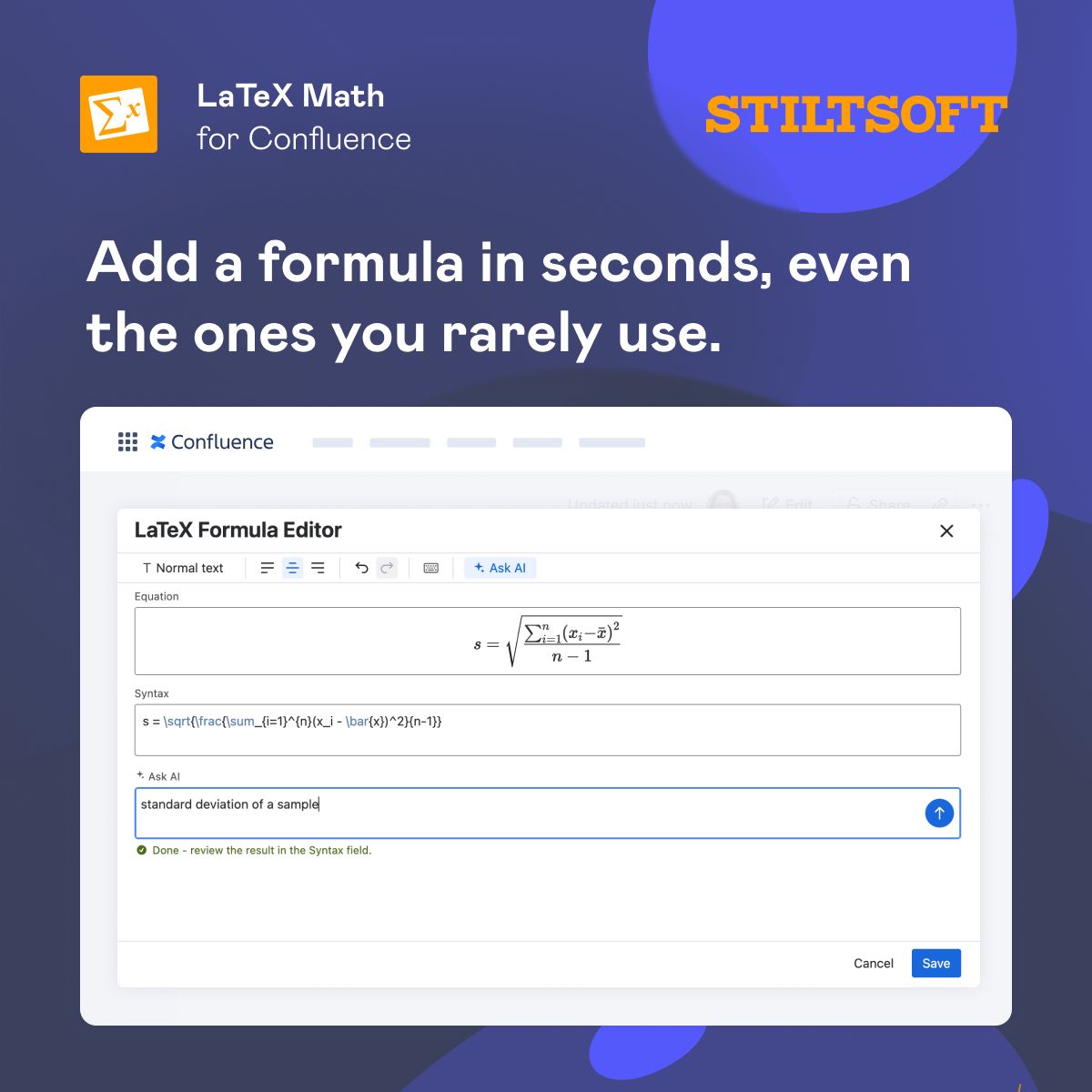
You’re writing something up on a Confluence page, and you get to a formula you don’t remember the exact syntax for. Usually, you either stop and go hunt for the right LaTeX — and lose your train of thought — or paste a screenshot that can’t be edited and looks rough in dark mode or a PDF. And it’s not only about forgetting a command. Some team members only need to add formulas now and then. They aren't LaTeX experts, and they don't need to be. So the time goes into the notation rather than the thing they were working on. LaTeX Math for Confluence by Stiltsoft lets users get the right syntax without leaving the page, even if they’ve forgotten it: 🔸 Describe the formula in plain words — “standard deviation of a sample,” “integral from zero to infinity” — and let the AI assistant write the LaTeX 🔸 Find the symbol you recognize but can't remember the name of on the built-in keyboard. 🔸 Search for a command by name when you can't recall it. Either way, the formula takes seconds, and your focus stays on the work.
- LINKEDIN · IMAGESince 28 Oct 2026
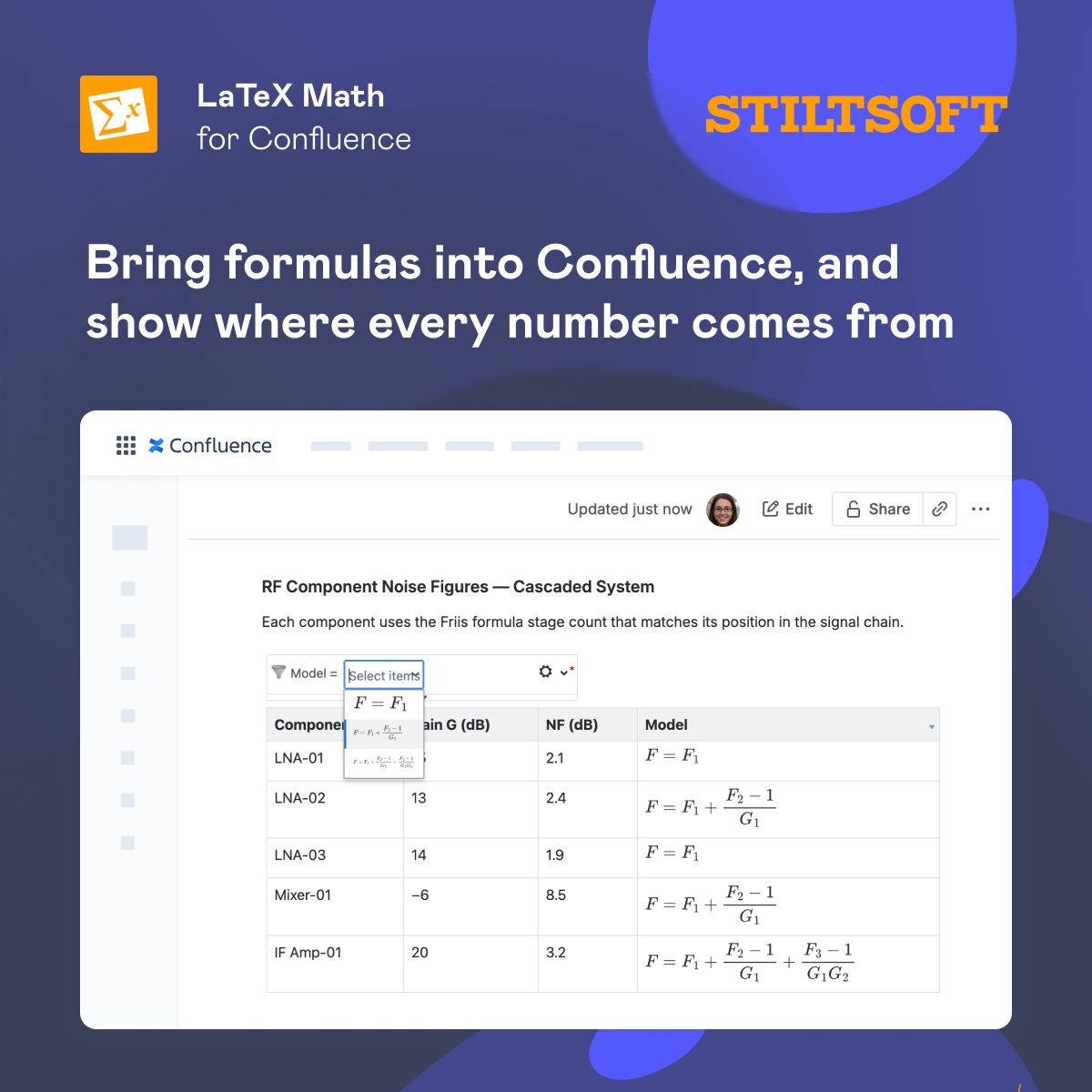
A table in Confluence full of numbers usually answers “what?”, but rarely shows “how did we get this?” A simple pattern for Confluence: → keep your data in a table, or wrap it in the Table Filter macro to sort, filter, or calculate the totals. → render the governing equation as a proper formula right above it with LaTeX Math for Confluence, so anyone reading the page sees both the values and the math behind them. Different rows, different equations? Put the formula in the table cell and let filtering keep it with its row. Full walkthrough, with an example👇
- LINKEDIN · IMAGESince 28 Oct 2026
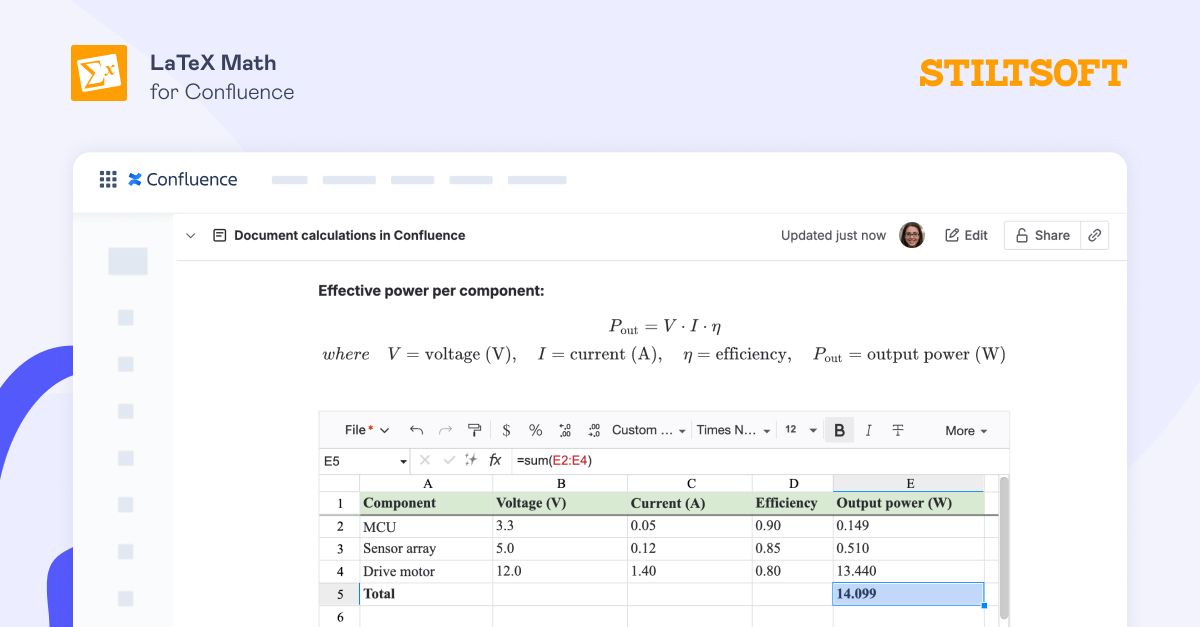
Paste the result of some calculations on the Confluence page, and six weeks later, nobody remembers how you got it. The page shows the value, not where it came from or how it was calculated — so the next person either trusts it blindly or redoes the whole thing. Workaround? Put both halves on the Confluence page: → The numbers: let the Table Spreadsheet macro run the actual calculation in the table. → The math: let LaTeX Math for Confluence render the formula above it as proper notation, with each symbol explained. Now you can see the result and the reasoning side by side, ready to review and export to PDF.
- LINKEDIN · CAROUSELSince 26 Oct 2026
Working in monday.com but still building reports in Excel or Google Sheets? 🤔 Keep your data where your work is. Smart Spreadsheet is your reporting cheat code to turn raw board data into automated, polished reports without ever leaving your monday workspace. Swipe through to see how to automate your full reporting cycle. 📊👇

6 of 38 adsSign up to see every Stiltsoft ad, filter by format and date, and get alerts on new ones.
See all 38 adsWatch the companies you care about.
Filter every ad by industry, country, format and network, and get alerts when a company you watch starts running new ads.