On air · 1 of 3 networks
Avanai
- avanai.io
- DE
- 16 employees
Avanai’s ads on LinkedIn, Meta and Google, recorded by adsrunning. Browse the latest here for free. Sign up free to see all 110. Watch Avanai with Starter to get each new one in your feed.
Watchlist with Starter · $49/mo
| Network | Status | Live ads | Nov 2025LinkedIn activity · 52 weeksNov 2026 | Checked | Next step |
|---|---|---|---|---|---|
| Running | 44 | Checked 30 Oct 2026 | See all 110 ads → | ||
| Meta | Not checked | — | |||
| None recorded | 0 | No ads found on the Google Ads Transparency Center | Checked 7 Oct 2026 | Collect them with the API → |
Avanai has 44 live LinkedIn ads. We recorded no Google ads on 7 Oct 2026.
Latest ads
- LINKEDIN · IMAGESince 28 Oct 2026
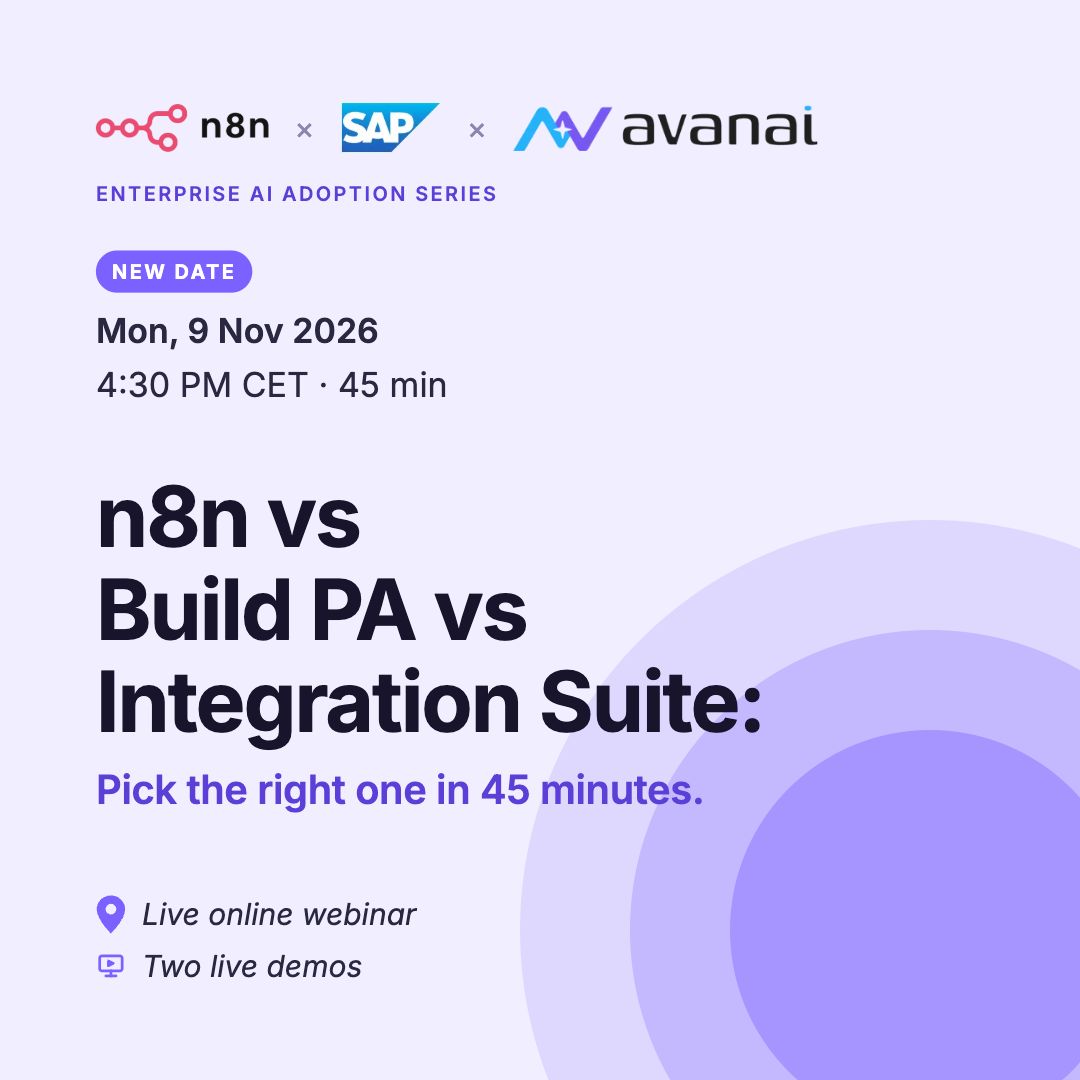
n8n vs Build PA vs Integration Suite: pick the right one in 45 minutes. If you work with SAP, you’ve probably asked yourself: which tool should we use for which job? Today, automation usually ends up in one of three places: → Inside the SAP core, where every change waits for the next release → In a long middleware program that takes months before anything runs → Next to SAP, built by someone who never asked you. The reason is simple: there was never a clear plan for how SAP should connect to everything else. On Monday 9 November, Sascha Seegebarth, who spent 18 years in SAP and built the open-source SAP connector for n8n, shows which tool fits which job, with 2 live demos. Together with Meredith McKinney, MS, ALM from Avanai. You’ll leave with: → A clear way to decide which tool fits your next SAP project → A shortlist of SAP automations worth putting on next quarter’s roadmap → What SAP’s investment in n8n means for your setup Monday 9 November, 16:30 to 17:15 CET, online, in English. 45 minutes including Q&A. Save your spot here: https://lnkd.in/eDfYFRUf
- LINKEDIN · IMAGESince 28 Oct 2026
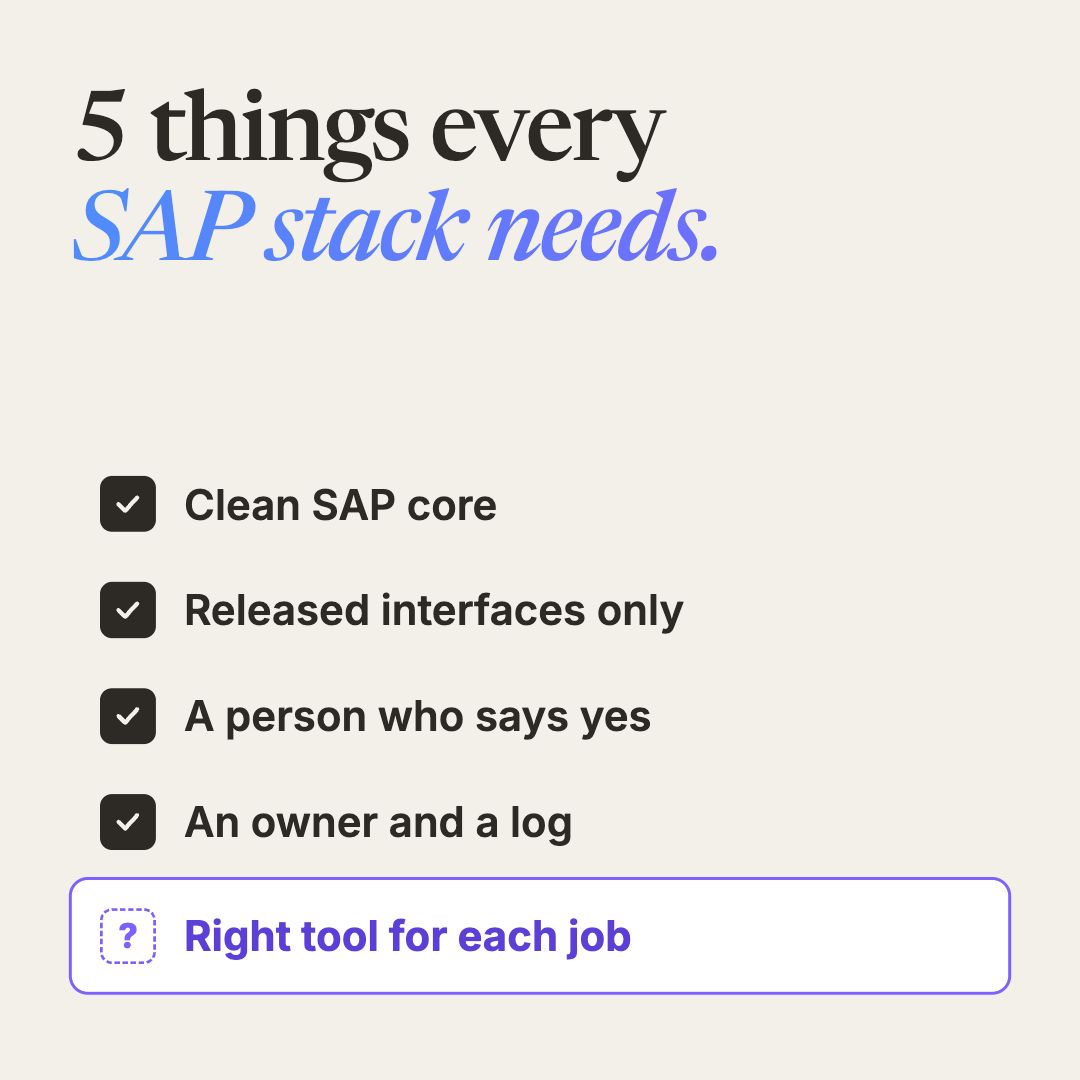
5 things every SAP automation stack needs. 1. A clean SAP core Automation logic lives next to SAP, not inside it. Your core stays easy to upgrade. 2. Only released interfaces Every automation uses SAP’s official APIs, called in a fixed, predictable way. No workarounds that break with the next update. 3. A person who says yes Nothing changes in SAP data without someone approving it. 4. An owner and a log for every workflow When something goes wrong, you know who’s responsible and exactly what happened. 5. The right tool for each job n8n, Build PA and Integration Suite each fit different jobs. Forcing everything through one tool is where projects slow down. Number 5 is where teams usually get stuck. On Monday 9 November, on our live webinar we are compering all three live, with two demos. Save your spot here: https://lnkd.in/exmwgz94
- LINKEDIN · IMAGESince 27 Oct 2026
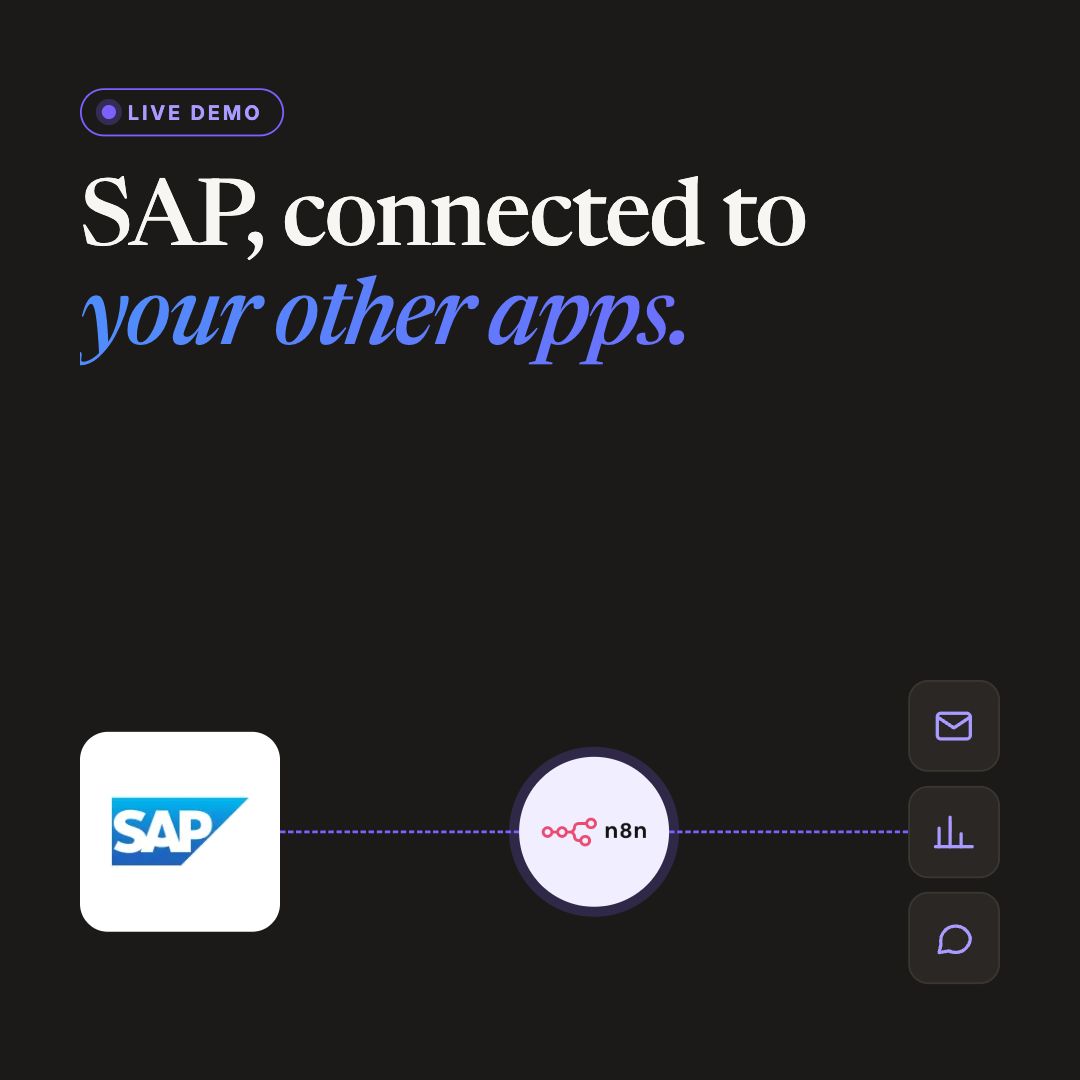
We’re doing a live demo: connecting SAP to your non-SAP apps. You probably know how this usually goes... A team needs SAP data in another tool. The request goes to IT, waits in a queue, and someone builds a workaround in the meantime. On Monday 9 November, Sascha Seegebarth shows how to do it live with n8n. Sascha spent 18 years in SAP and built the open-source SAP connector for n8n. In the same 45 minutes: → A second live demo: automating a real SAP workflow without breaking core systems → When to use n8n, Build PA or Integration Suite → Open Q&A Monday 9 November, 16:30 to 17:15 CET, online, in English. Register here: https://lnkd.in/eHvnQXBy
- LINKEDIN · IMAGESince 23 Oct 2026
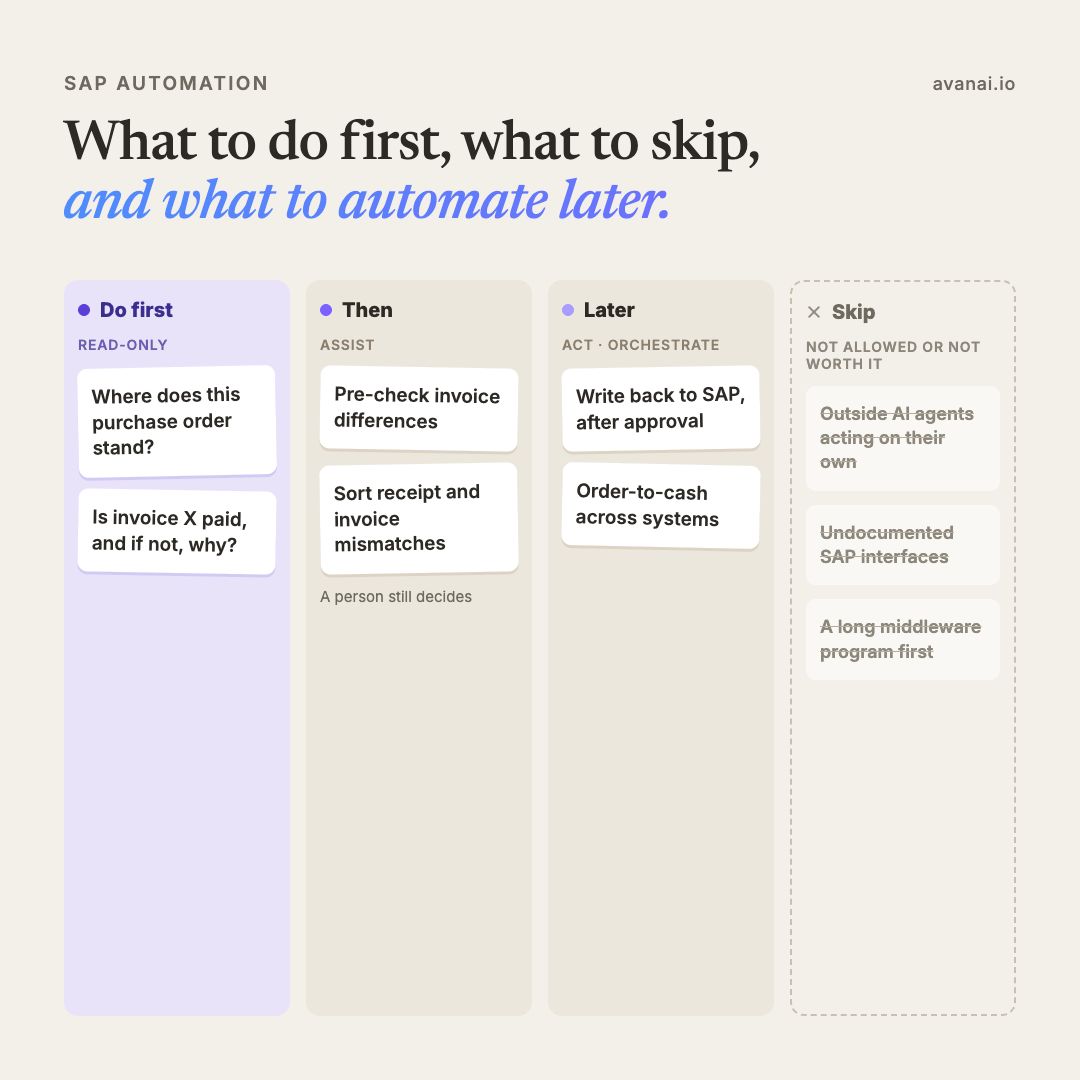
SAP automation: what to do first, what to skip, and what to automate later. It's tempting to start with the biggest process or the most impressive demo. In SAP, that's often where projects get stuck. 1. Do first: read-only Let people ask SAP questions in plain language, without changing anything: "Where does purchase order 45xxxx stand?" "Is invoice X paid, and if not, why?" Nothing is written back, so it's the easiest thing to get approved. A first read-only pilot is doable in seven days, in your own SAP. 2. Then: assist Let automation prepare the work, while a person still decides: - Pre-check invoice differences in quantity, price and tax - Sort goods receipt and invoice mismatches, and suggest the likely cause 3. Later: act and orchestrate - Write back to SAP, but only after a person approves - Run full processes across SAP and other systems, like order-to-cash or procure-to-pay Skip: - Outside AI agents that decide on their own which SAP actions to run. SAP's API rules don't allow it. - Undocumented or private SAP interfaces. They're out. - A long middleware program before your first use case. Real value usually shows up in the first two steps, long before anything writes back to SAP. Still not sure which of your SAP processes to start with? On Monday 26 October, our live webinar helps you decide where to start: SAP use cases ranked by value and effort, plus two live demos. With Sascha Seegebarth, who spent 18 years in SAP and built the open-source SAP connector for n8n, and Meredith McKinney, MS, ALM from Avanai. Monday 26 October, 16:30 to 17:15 CEST, online. Save your spot here: https://lnkd.in/etp9FfJm
- LINKEDIN · IMAGESince 23 Oct 2026
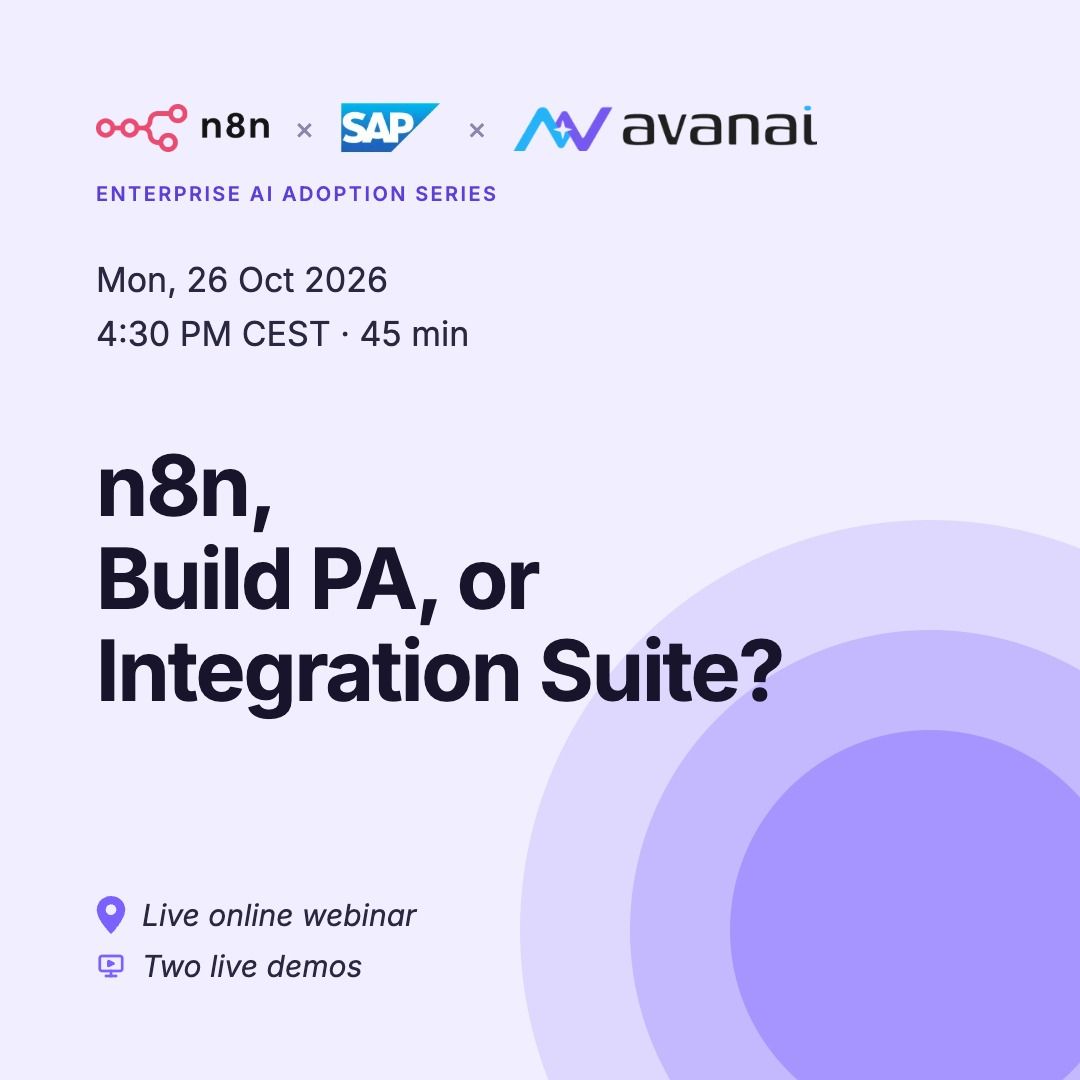
n8n vs Build PA vs Integration Suite: how to choose the right one for your team. If you work with SAP, you've probably asked this question already: which tool for which job? Automation around SAP usually ends up in one of three places: 1. Inside the core, where every change becomes a project 2. Inside a long middleware program 3. Next to SAP entirely, built by a business unit that never asked IT The reason is simple: there was never a clear plan for how SAP should connect to everything else. On Monday 26 October, we're answering exactly this question in a live webinar, with two live demos. You'll leave with: - A list of which SAP processes to automate first - Two working examples, shown live - A clear picture of what SAP's n8n move means for your setup With Sascha Seegebarth (18 years in SAP, author of the open-source SAP OData node for n8n) and Meredith McKinney, MS, ALM. Who it's for: CIOs, heads of IT, enterprise architects and SAP platform leads. Monday 26 October, 16:30 to 17:15 CEST, online. Here is where you can register: https://lnkd.in/e9yW9bAy
- LINKEDIN · IMAGESince 23 Oct 2026
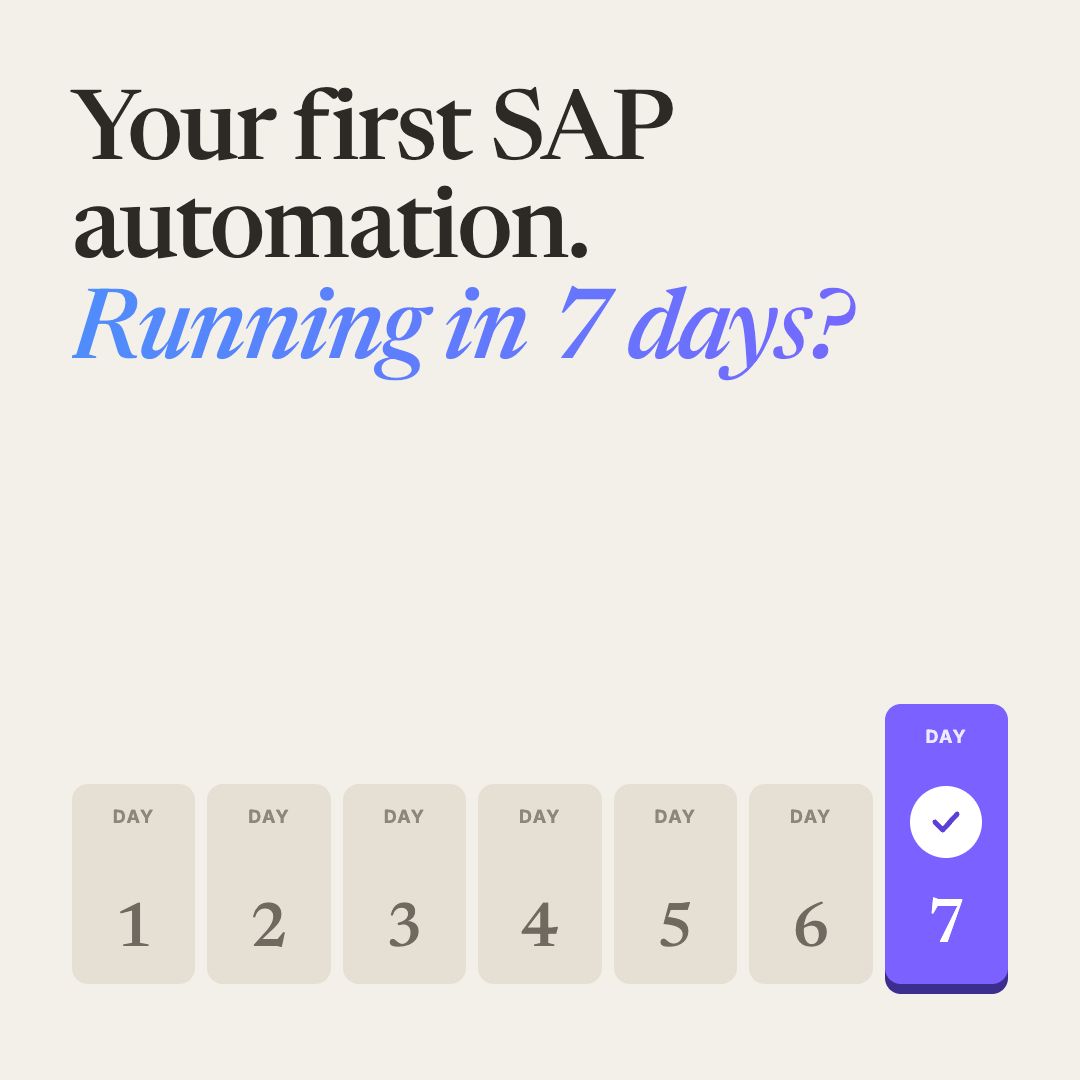
How SAP teams get their first automation running in seven days, with IT and governance on board. Not a big project, not a sandbox. A small pilot, in your own SAP. Here's how: 1. Pick one read-only use case Something people ask about every day, like "Where does this purchase order stand?" Nothing changes in SAP, so it's the easiest thing to approve. 2. Give it an owner One named owner for the workflow, with the business unit as co-owner. Clear ownership is what turns a test into something that lasts. 3. Use only SAP's released interfaces That keeps it within SAP's API rules from day one. No middleware program, no changes to the core. 4. Measure it Agree up front what success looks like: shorter cycle times, fewer errors, fewer handovers. Then you can show results, not opinions. 5. Make it a pattern, not a one-off Document it so the next team can reuse it. Speed comes from standards and reuse, not from one-off automations. One real connection in your own SAP beats ten slide decks. On Monday 26 October, we show this live in our webinar "n8n, Build PA, or Integration Suite?, including two live demos. With Sascha Seegebarth, who spent 18 years in SAP and built the open-source SAP connector for n8n, and Meredith McKinney from Avanai. Monday 26 October, 16:30 to 17:15 CEST, online. Reserve your spot here: https://lnkd.in/eff-rd6D
6 of 110 adsSign up to see every Avanai ad, filter by format and date, and get alerts on new ones.
See all 110 adsWatch the companies you care about.
Filter every ad by industry, country, format and network, and get alerts when a company you watch starts running new ads.